Polish your message with AI Auto-Fix
Updated at 2026-07-26
Typing fast? The AI Auto-Fix cleans up your draft before the customer sees it — fixing spelling and grammar, or rewriting your message in a different tone.
Fix a message
- Type your draft in the composer (mistakes and all).
- Click the wand icon (Grammar Fix) in the composer toolbar, or its chevron to pick a mode:
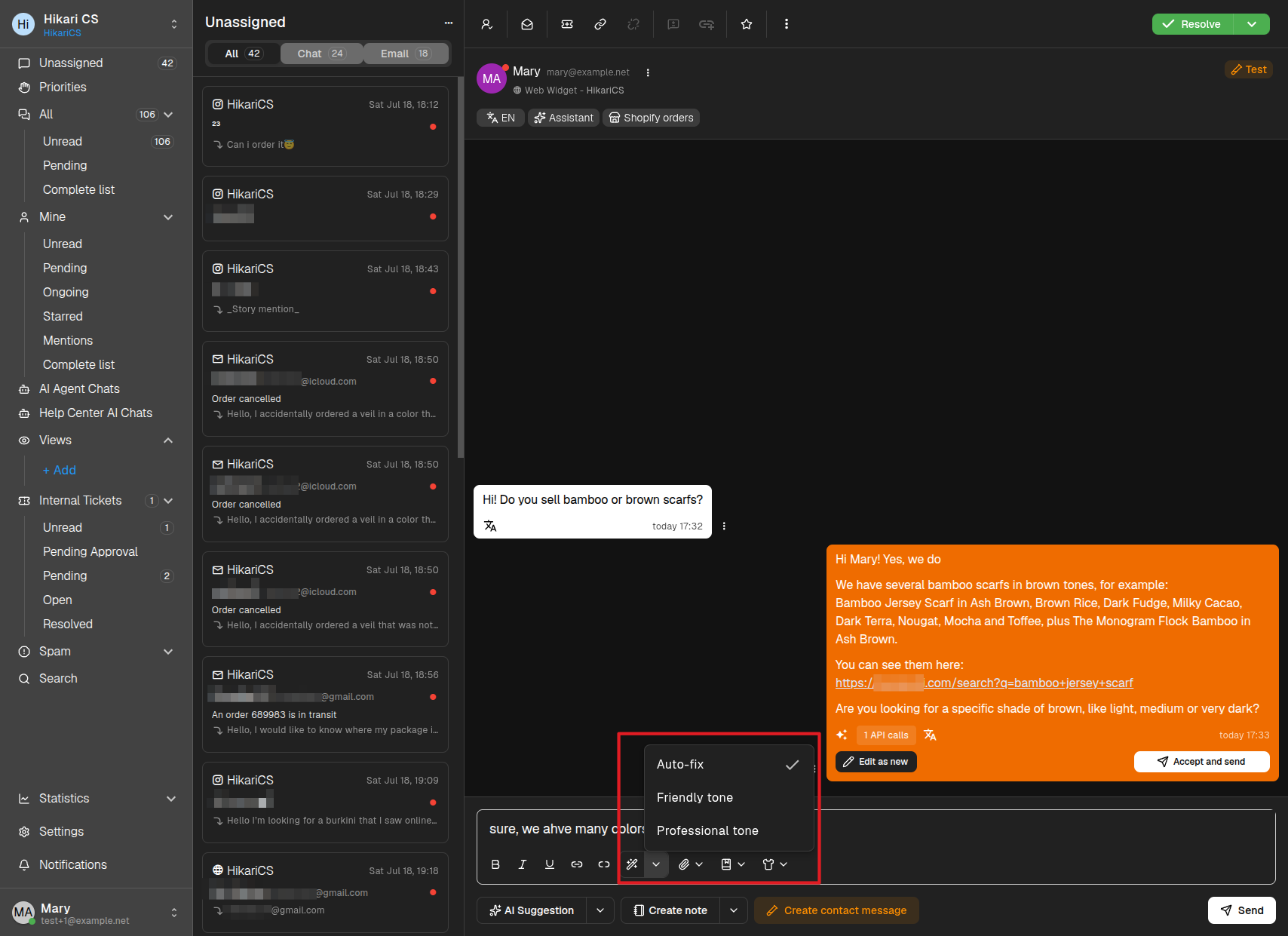
- Auto-fix — Corrects spelling and grammar while keeping your style.
- Friendly tone — Rewrites the message in a warmer, more casual voice.
- Professional tone — Rewrites the message in a more formal voice.
- Wait a second — the text in the composer is replaced with the improved version.
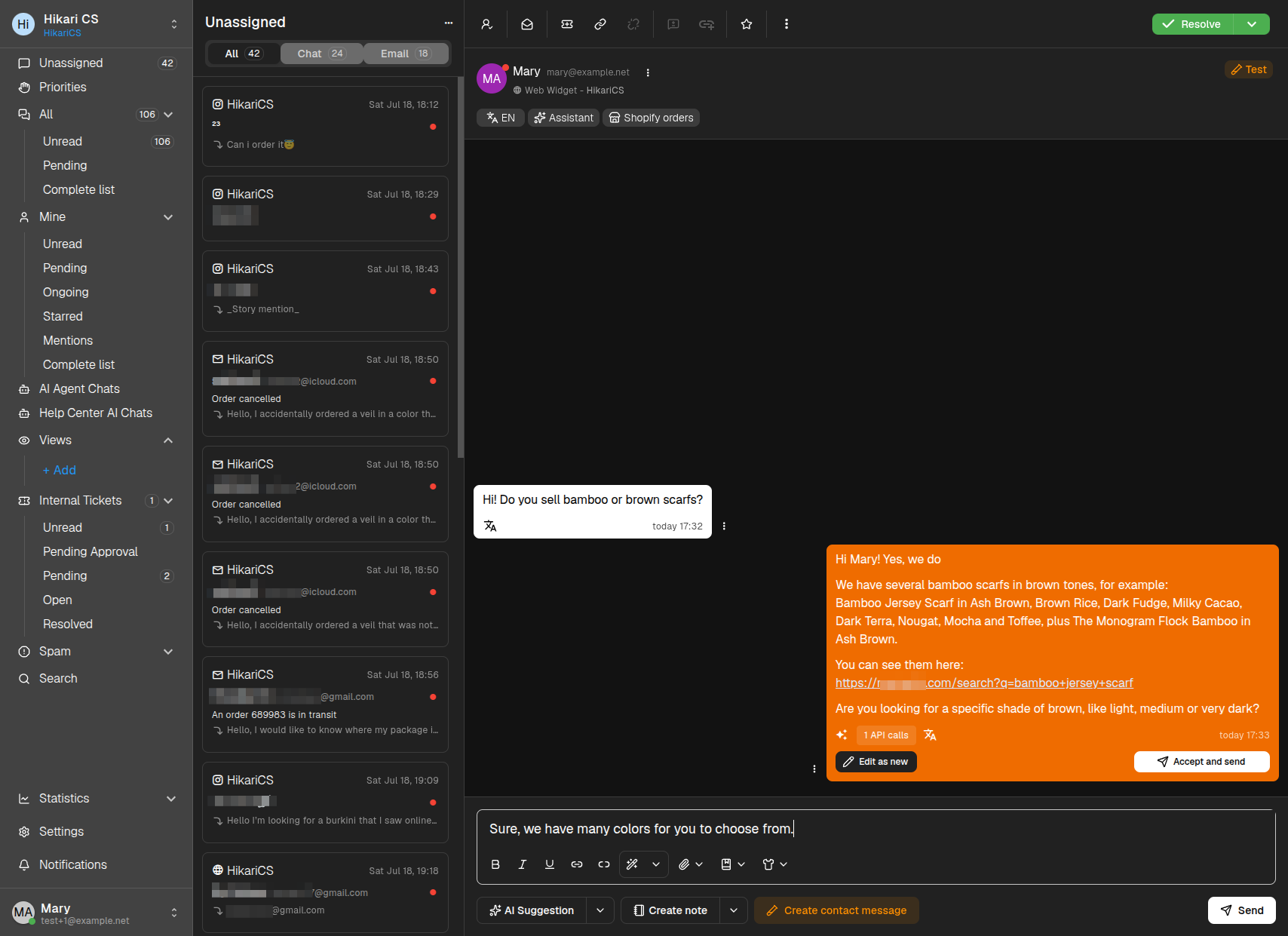
The replaced text is a normal draft, so you can still tweak it before clicking Send.
The app remembers the last mode you used, so clicking the wand icon directly applies the same mode again.