Change a conversation's language
Updated at 2026-07-26
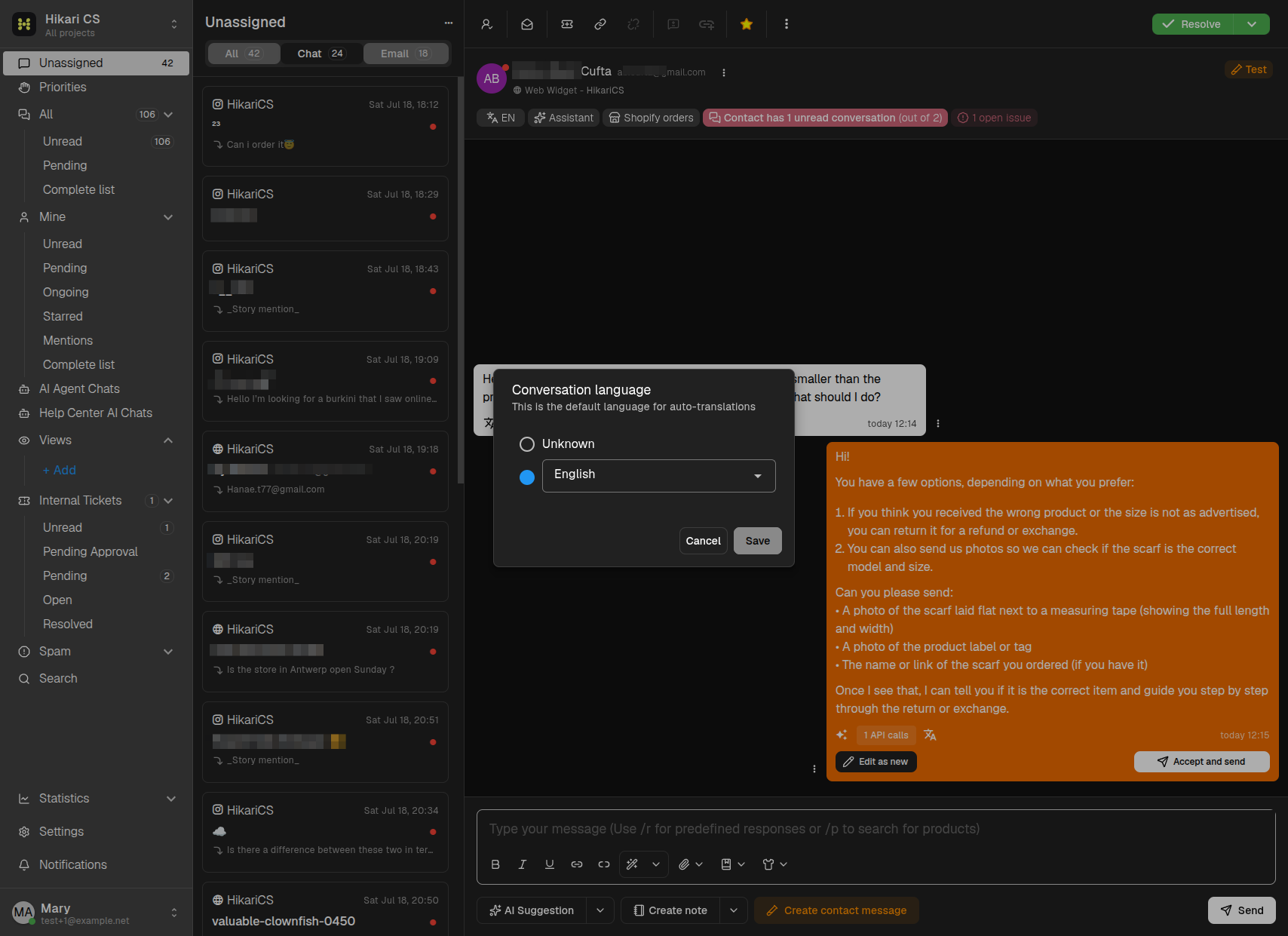
Each conversation has a main language that is used for auto-translations. You can see it in the conversation header as a small button with the language code (for example EN).
How the language is set
- The language is initially taken from the contact's browser language.
- If it cannot be determined, the language is Unknown and the AI tries to detect it automatically from the messages.
Change the language
- In the conversation header, click the language button (the one showing the language code).
- In the Conversation language dialog, either:
- Select Unknown to let the AI detect the language automatically, or
- Pick a specific language from the dropdown.
- Click Save.
How translation works between you and the contact
You always read and write in your own language, and the contact always sees the conversation in their language. The AI translates the messages automatically in both directions, so you never need to write in the contact's language yourself.