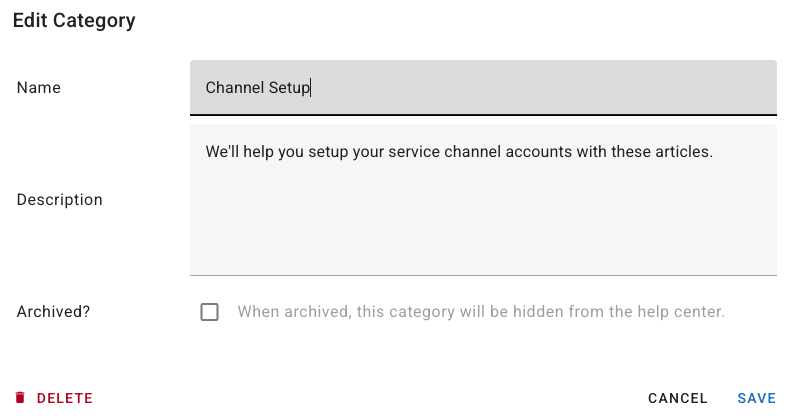
Create and manage help categories
Updated at 2025-03-19
Categories are a fantastic way to keep your help articles organized. They'll also appear on the main page of your help center, making it easier for your visitors to locate the right topic.
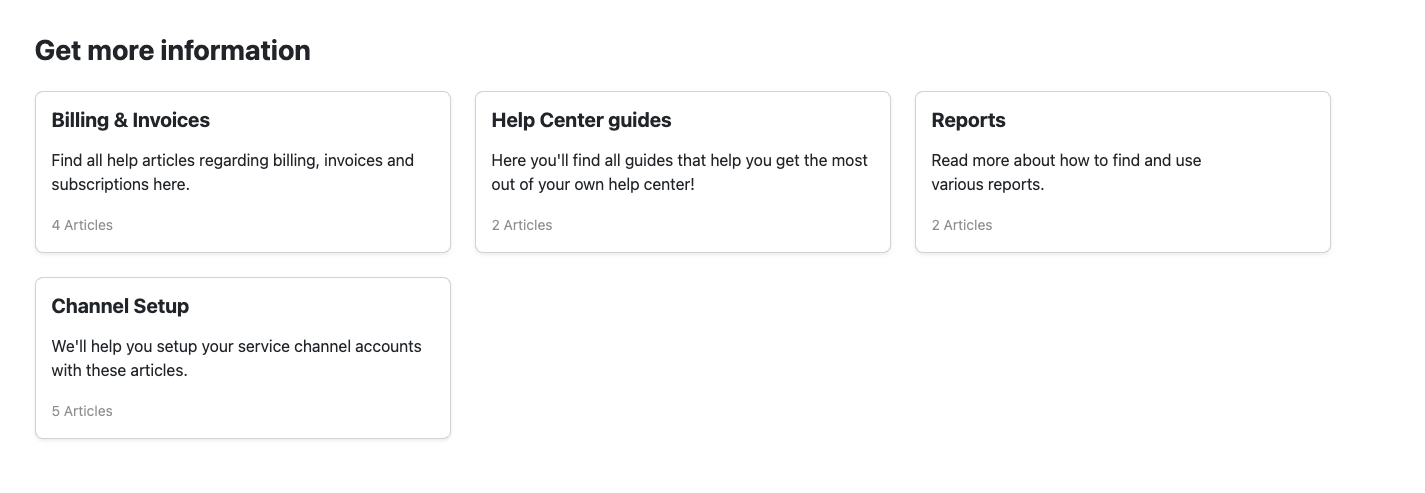
As illustrated in the screenshot above, the categories are neatly arranged in boxes.
How to create a category
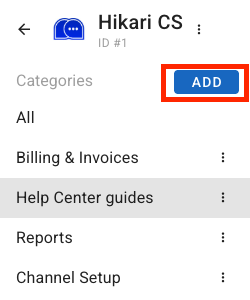
To create a category, simply navigate to the overview of your help articles and click the “Add” button at the top of your categories on the left side of the screen.
How to edit, archive or remove a category
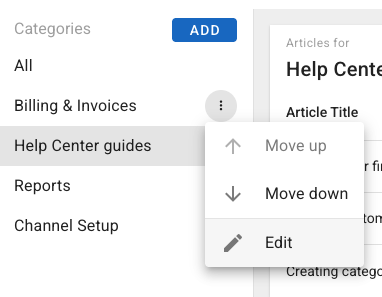
Editing or removing a category is also quite straightforward. Just click on the 3-dot icon next to the category name to display your options.
From the popup window, you can choose to edit the name and description, archive, or delete the category.