Create and manage help articles
Updated at 2025-04-07
Your Help Center's help articles are crucial, so let's explore how you can create and manage them.
Creating your first article
- Begin by clicking the “Create Article” button.

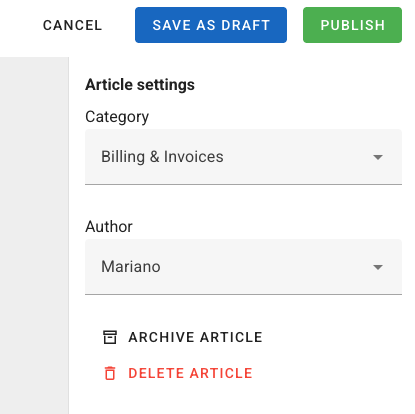
- Choose a category and author on the right-hand side.
- In the center of the screen, start developing the main content of your help article. Remember that you can utilize Markdown syntax for easy formatting.
- Finally, click either “Publish” or “Save as Draft” to save your help article.
You can always revisit your help article to modify its contents or settings.