How to embed your help center in your website
Updated at 2026-07-26
Your Help Center can be reached through a public URL that you can share or link to from your website.
Use the provided subdomain
Every Help Center gets a subdomain from us in this format:
https://your-subdomain.hcs-helpcenter.com
You can find this address by clicking Edit on your Help Center.
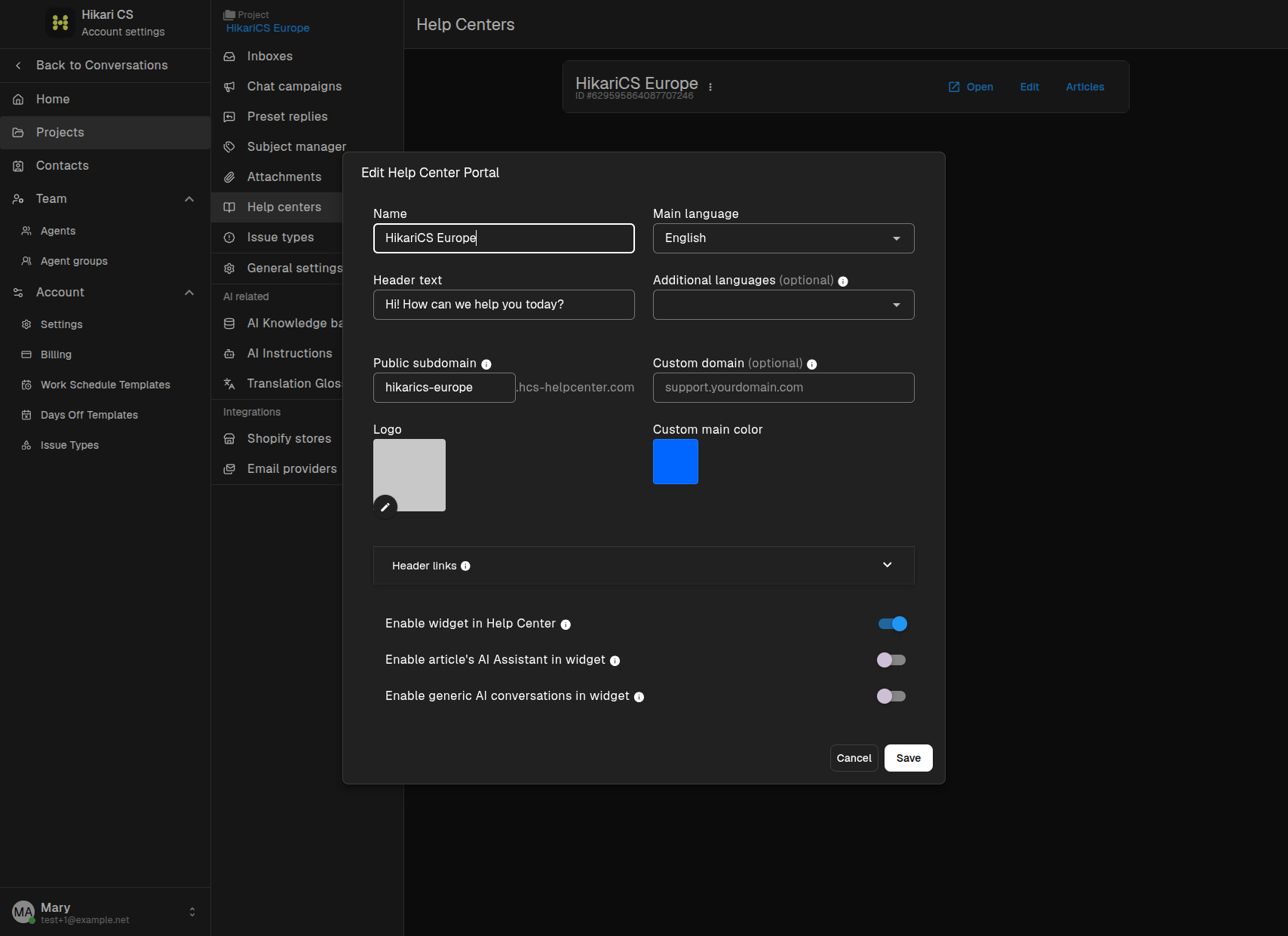
Share this link in your website navigation, footer, support menu, or anywhere your customers look for help.
Use a custom domain
If you prefer to use your own domain, enter it in the Custom domain field. For example:
support.yourdomain.com
This makes the Help Center available at a URL that matches your brand. You still need to configure DNS so the custom domain points to our servers. See How to add a custom domain for your help center for the DNS steps.
What visitors see
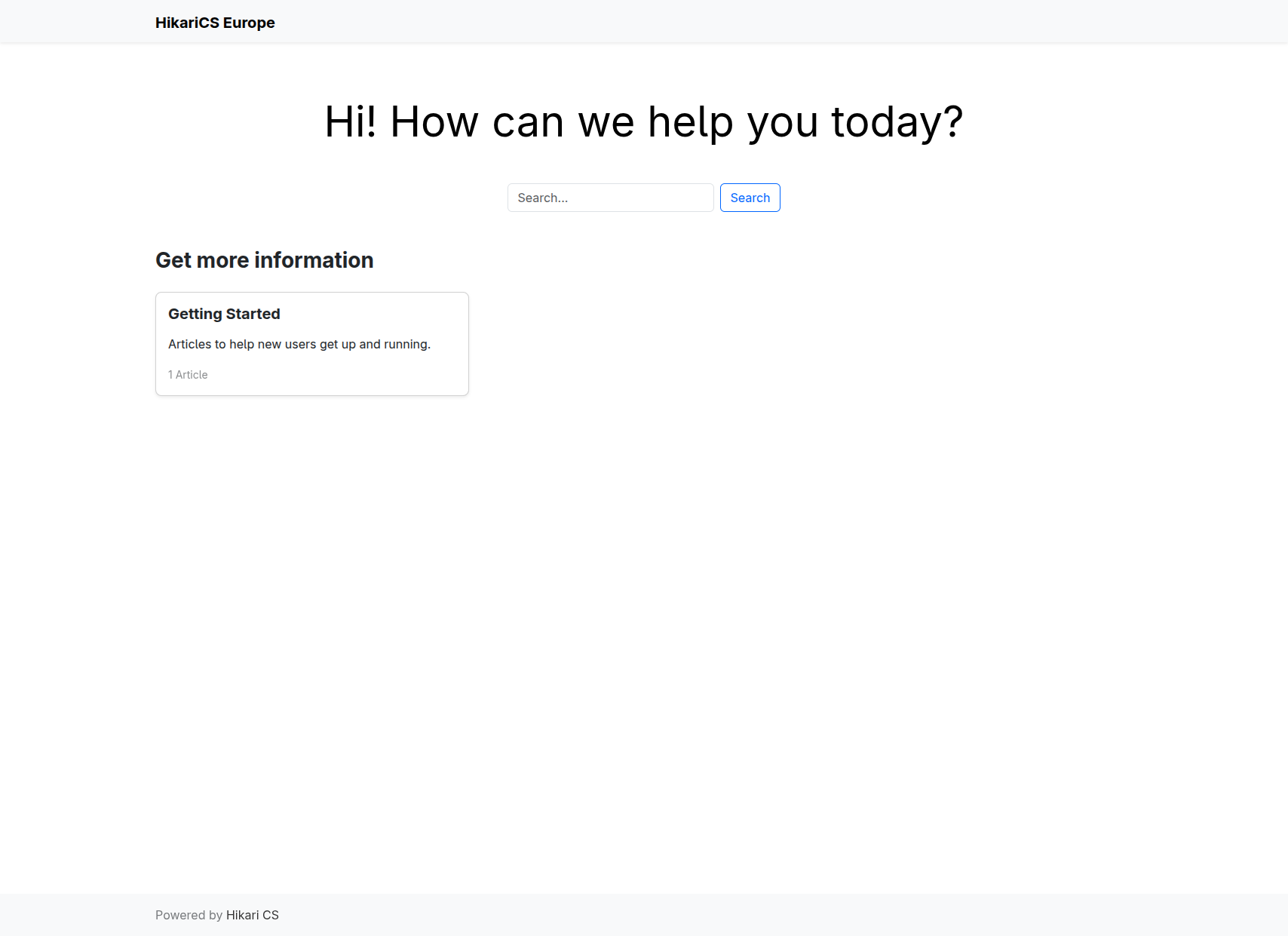
When visitors open the link, they see your branded Help Center home page with searchable categories and articles.
Summary
- Use the provided
hcs-helpcenter.comsubdomain right away. - Add a custom domain for a branded URL.
- Link the Help Center URL from your website, app, or email signatures.