How to set up spam detection
Updated at 2026-07-26
Spam detection uses AI to automatically identify spam messages and mark them as spam. This keeps your conversation dashboard clean and prevents the AI from replying to unwanted messages.
Enable spam detection
Open the project general settings and turn on Spam detection in the AI Settings section.
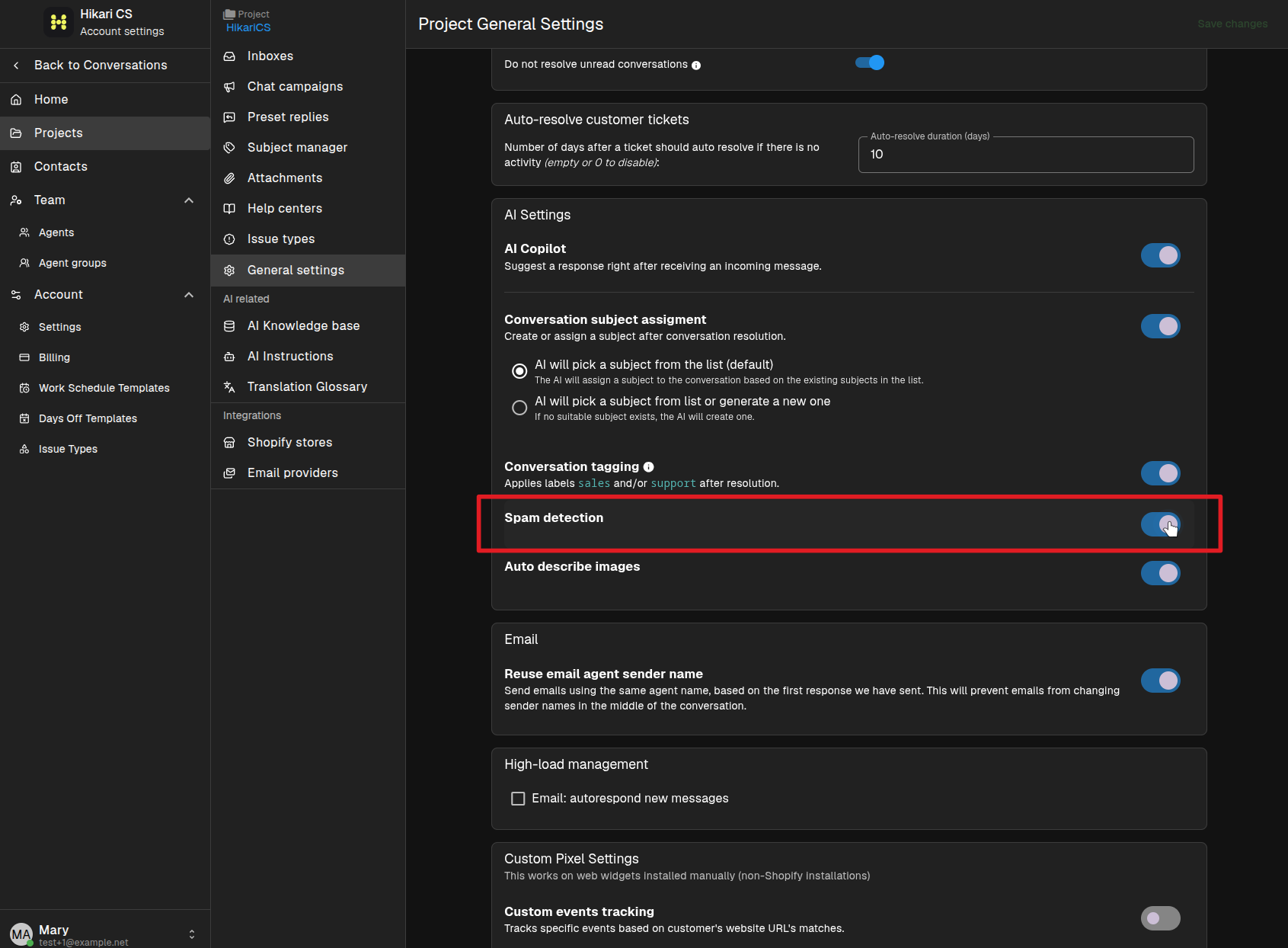
Once enabled, the AI reviews incoming messages. Messages it identifies as spam are marked automatically.
What happens to detected spam
Detected spam messages are moved out of the main conversation list, so your team can focus on real customer questions. The AI Agent and AI Copilot will not generate replies for messages marked as spam.
Summary
- Enable Spam detection in the project general settings.
- The AI automatically flags incoming spam messages.
- Flagged spam is hidden from the main dashboard and will not receive AI replies.