Display language chat widget and chat campaigns
Updated at 2026-07-26
The language of your live chat widget and chat campaigns is controlled at the project level and inside the widget inbox settings.
Project language
The Project language in Project General Settings is the default language for the widget, campaigns, and AI knowledge base. It is also the fallback language when a translation is not available.
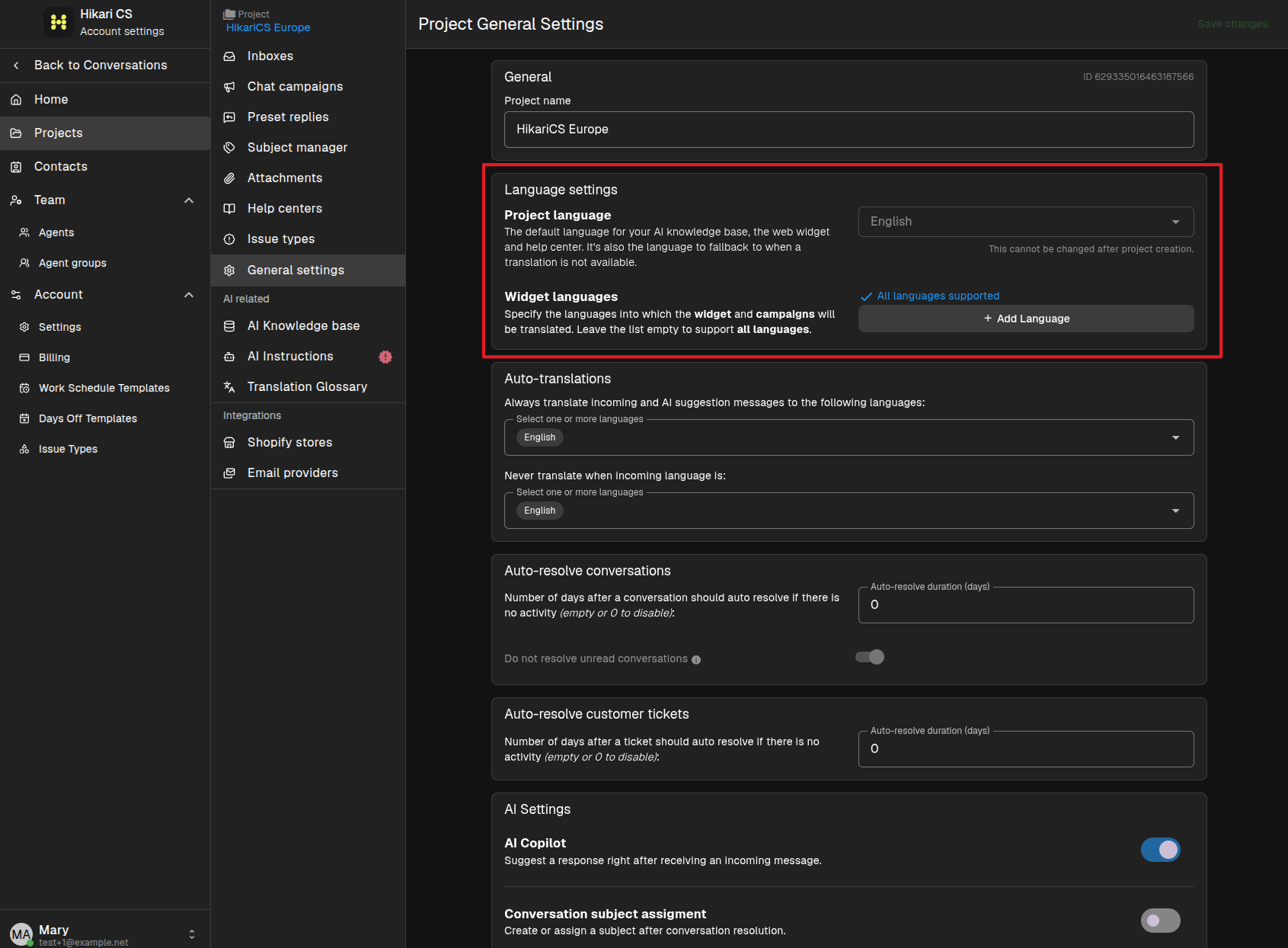
The project language is chosen when the project is created and cannot be changed later. Choose the primary language of the website where the widget will be installed.
Widget languages
In the same Language settings section you can define Widget languages. These are the languages the widget and campaigns will be translated into. Leave the list empty to support all languages.
If your project uses a language other than English, the widget settings page shows a translation progress indicator while the default widget texts are being translated.
Custom widget translations
All the customizable fields such as the welcome heading and unavailable message will be translated as well.
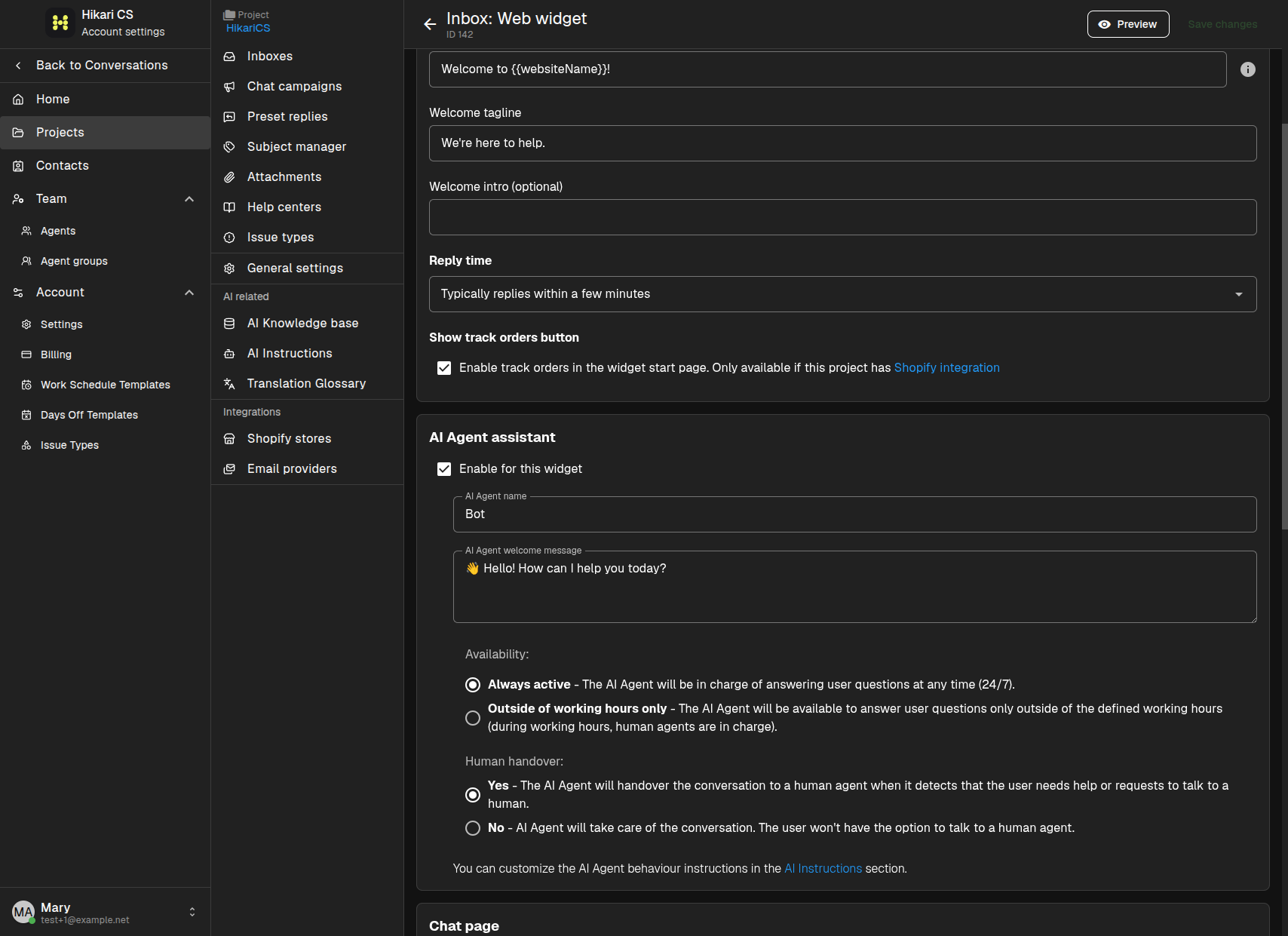
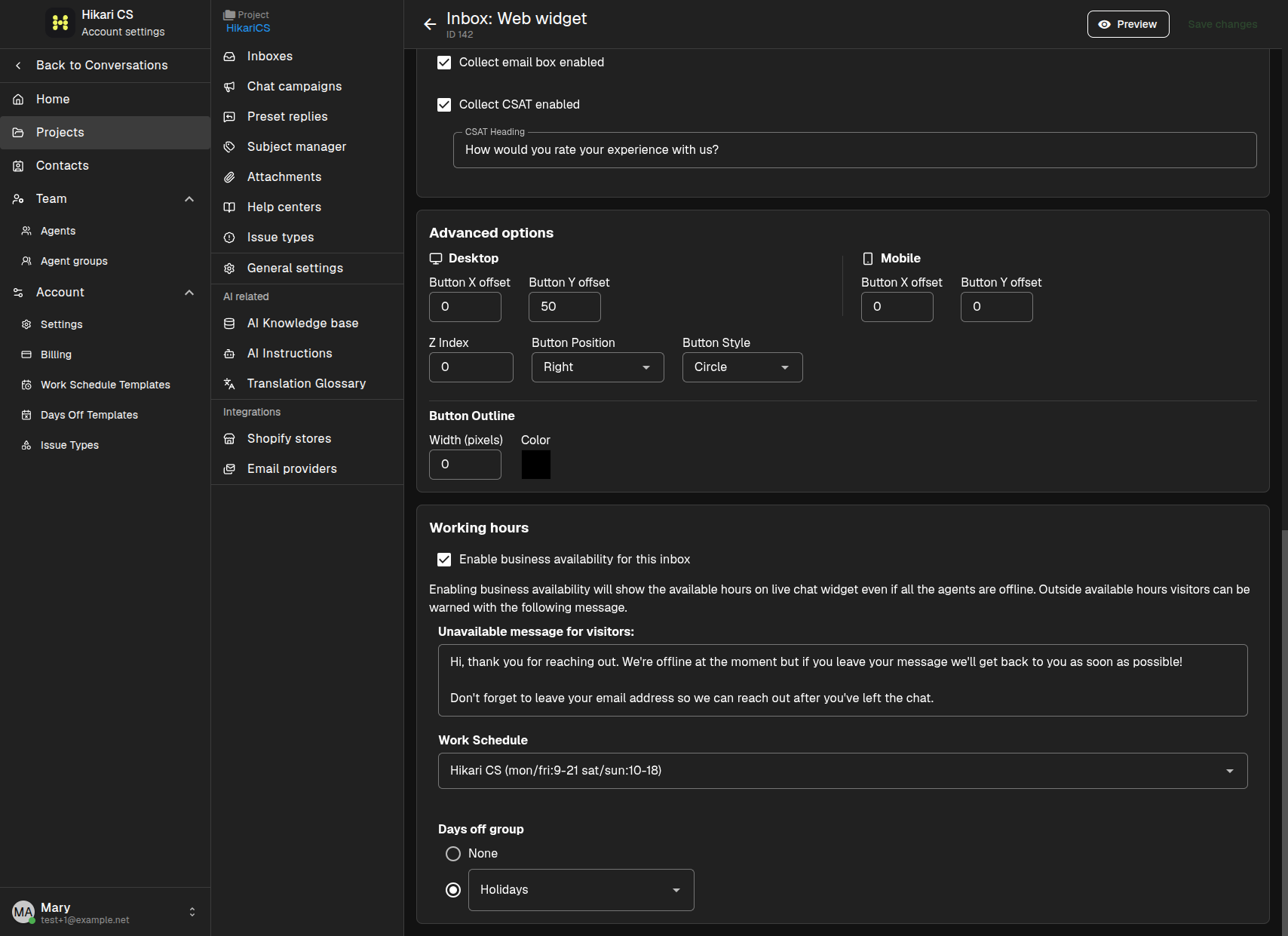
These custom texts are used as provided, so you can enter them in any language you want the widget to display but they will be translated into the visitor's browser language. If a translation is not available, the system uses the project language as a fallback.
Campaign language
Chat campaign messages are written by you when you create the campaign. They are sent exactly as you enter them, so write each campaign in the language you want the visitor to receive.
If your project has widget languages configured, the system uses those languages as context for translating widget elements. Campaign messages themselves are not automatically translated; you create separate campaigns for different languages if needed.
Summary
- The Project language sets the default language and fallback.
- Widget languages define which languages the widget supports.
- Customize default widget texts in the website widget inbox settings.
- Write chat campaign messages in the language you want visitors to see.