Add Instagram & Facebook messenger as a channel
Updated at 2025-03-19
In this article we'll walk you through a few easy steps to connect Facebook & Instagram messengers to our platform. This will allow our team to receive incoming messages from your customers and reply to them.
Important requirements:
- You can only connect Instagram business accounts. Check this article how to convert a personal Instagram account into an Instagram business account.
- Your Instagram account has to be connected to a Meta Business Manager. Check this article on how to add an Instagram account to a Meta Business Manager.
- If you don't have a Meta Business Manager account, check this article on how to create one for free.
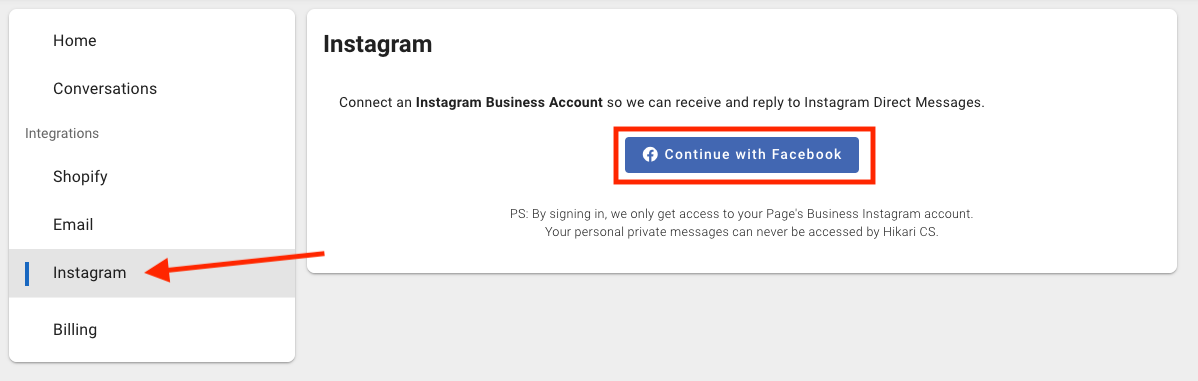
1: Go to your customer portal and go to the Instragram menu. Click Continue with Facebook.
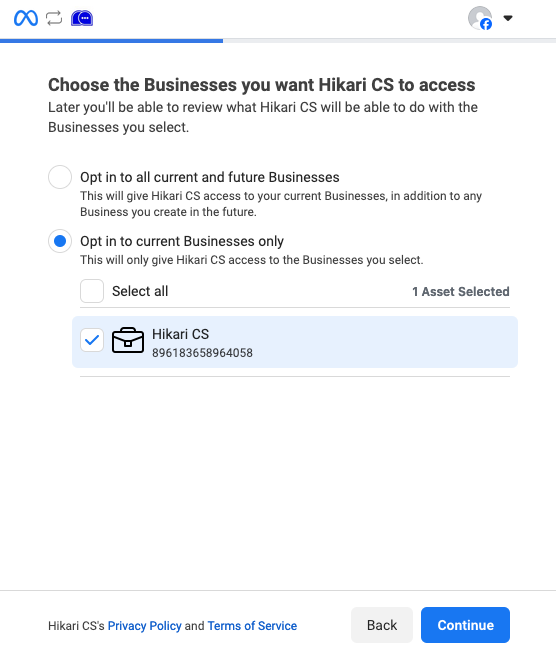
2: Choose the business manager your Instagram & Facebook accounts are connected to and click continue.
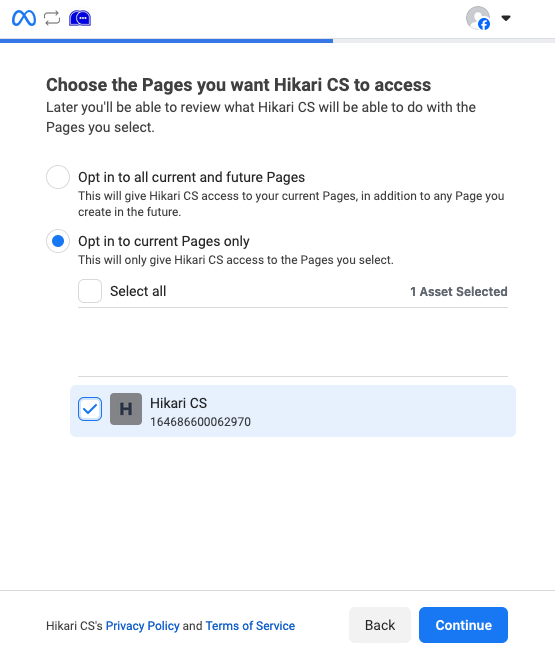
3: Choose the correct Facebook page and click continue.
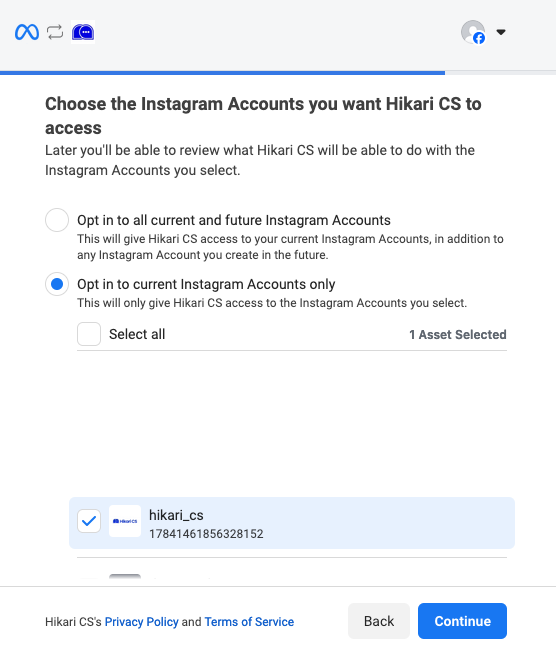
4: Choose the correct Instagram account and click continue.
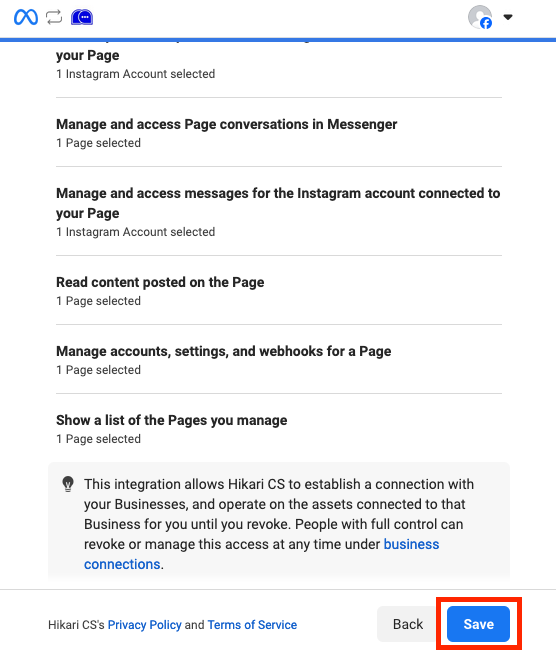
5: On the summary page, click save.
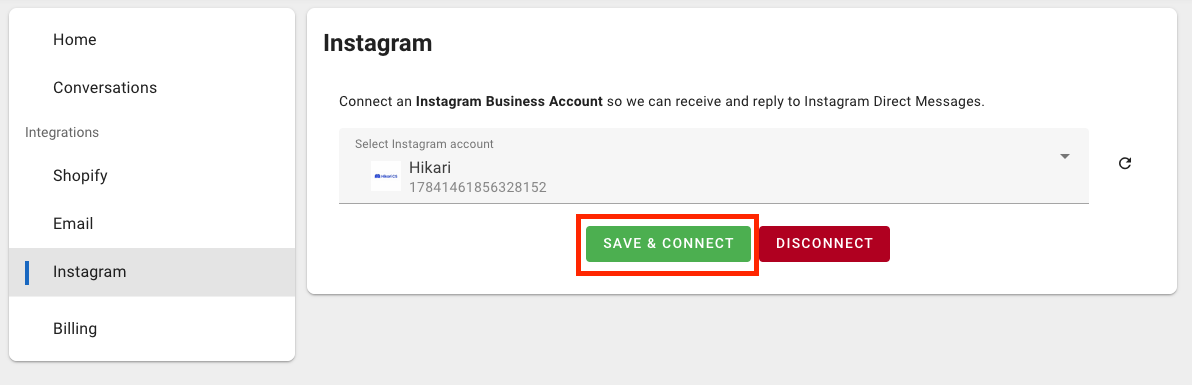
6: You'll be redirected back to the Hikari CS customer portal. Once there, click Save & Connect. And you're done!